10 Best Instapaper Alternative Apps for 2026
Searching for an Instapaper alternative? We review the 10 best read-later apps for research, reading, and knowledge management, with pricing and comparisons.
On this page
- 1. Lexi
- Why Lexi works better than a plain reading queue
- Best fit and real trade-offs
- 2. Readwise Reader
- Where Reader shines
- 3. Matter
- Who should pick Matter
- 4. Raindrop.io
- Better for organization than immersion
- 5. wallabag
- Why wallabag still matters
- 6. GoodLinks
- Best for minimalists on Apple devices
- 7. Anybox
- Fast capture, sharp retrieval
- 8. Diigo
- The annotation-heavy option
- 9. Reeder
- Best when RSS is your starting point
- 10. Inoreader
- Better for monitoring than casual reading
- Top 10 Instapaper Alternatives: Feature & Pricing Comparison
- From Saving to Knowing: How to Choose
- Frequently Asked Questions
- What is the best Instapaper alternative in 2026?
- Why are people leaving Instapaper?
- What is the best free Instapaper alternative?
- Which Instapaper alternative handles PDFs and videos, not just articles?
- Is my saved data private in these apps?
You saved an article for tonight, a PDF for the weekend, and a YouTube link for “when you have time.” A few days later, the list isn't a reading queue anymore. It's a holding pen for things you vaguely want to remember and rarely revisit.
That's the problem with choosing an Instapaper alternative in 2026. Reading later isn't enough anymore. You also need a way to find what mattered after the moment passes, whether that came from an article, a document, a screenshot, or a video transcript.
Instapaper still matters. It remains the most established pure read-it-later app after Mozilla shut Pocket down on July 8, 2025 (Mozilla support). Its free tier still covers most casual reading with unlimited article saving, offline reading, folders, tags, typography controls, and basic text-to-speech. It also includes 10 on-demand article summaries per month, while Premium removes that summary limit (Instapaper Summaries). But the category moved on. Instapaper Premium runs $59.99 per year, and its AI remains article-by-article rather than automatically organizing or answering questions across your whole library. You can send newsletters to Instapaper by email, but it does not provide a built-in RSS inbox.
If you're comparing tools now, don't just ask which app saves articles best. Ask which one helps you reuse what you save. That's where the best modern options separate themselves.
1. Lexi
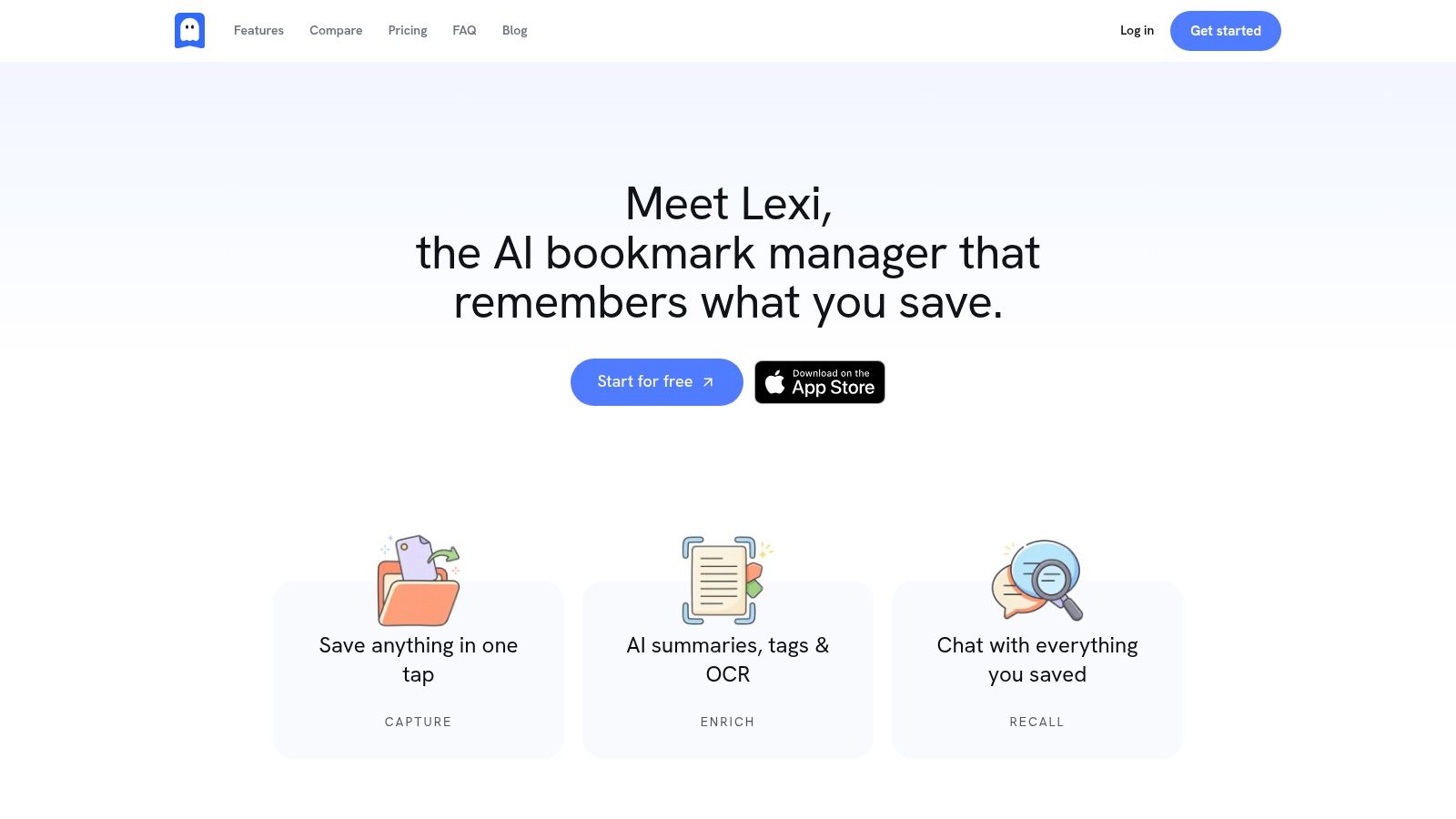
Lexi is the strongest Instapaper alternative if your saved content no longer fits inside the old “article reader” box. It captures web pages, PDFs, images and screenshots, plain notes, YouTube videos, and links from sites like X and Reddit, then turns them into a searchable private library instead of a pile of bookmarks.
What makes Lexi different isn't just capture. It's the enrichment layer. Save something once and Lexi automatically adds a 3–5 bullet summary, tags, and OCR text for images and screenshots, parses PDFs into searchable text, and pulls transcripts from YouTube — all without you writing a prompt. That removes the manual filing work that usually kills read-later systems.
Why Lexi works better than a plain reading queue
Instapaper is still good at quiet reading. Lexi is better when you need retrieval. If your workflow includes research, writing, studying, collecting references, or revisiting scattered sources later, Lexi feels closer to a personal knowledge hub than a classic read-it-later app.
The free tier includes 200 AI credits per month, 200 MB of storage, up to 50 saved items, and Deep Research across your own library. Personal is $6.99 per month or $59.99 per year (1,500 credits, plus web-wide Deep Research), and Pro is $19.99 per month or $199.99 per year (5,000 credits). Top-up credit packs are available too: 500 credits for $2.99, 2,000 for $8.99, and 6,000 for $24.99.
Practical rule: If your biggest pain is “I saved it somewhere, but I can't find it now,” prioritize recall features over reading polish.
Lexi's chat interface is especially useful here. You can ask questions against your saved library and get answers tied back to the exact saved items. That traceability matters. AI search is far more useful when you can verify where the answer came from.
Best fit and real trade-offs
Lexi fits students, researchers, writers, and knowledge workers who save across formats and want one place to search everything. It's also a good fit for anyone frustrated by the gap between saving information and reusing it.
Pros and cons are straightforward:
- Best strength: AI summaries, image OCR, YouTube transcripts, and auto-tagging all run on the free tier, so you can test the core value before paying.
- Best workflow gain: Search is hybrid (keyword plus semantic) and library-wide, built for recall instead of just storage.
- Best safety net: Libraries are private by default and there's no ad-targeting model. Lexi publicly lists every third-party processor it uses, including LlamaParse and Gemini, on its subprocessors page.
- Main limitation: Bigger credit pools and web-wide Deep Research require a paid plan or top-ups, and the free tier caps you at 50 saved items.
- Desktop caveat: The Mac app and Chrome extension are on the roadmap but not yet available, which matters if your workflow depends on heavy desktop clipping.
If you want your Instapaper alternative to do more than hold links, Lexi is the clearest step forward.
2. Readwise Reader
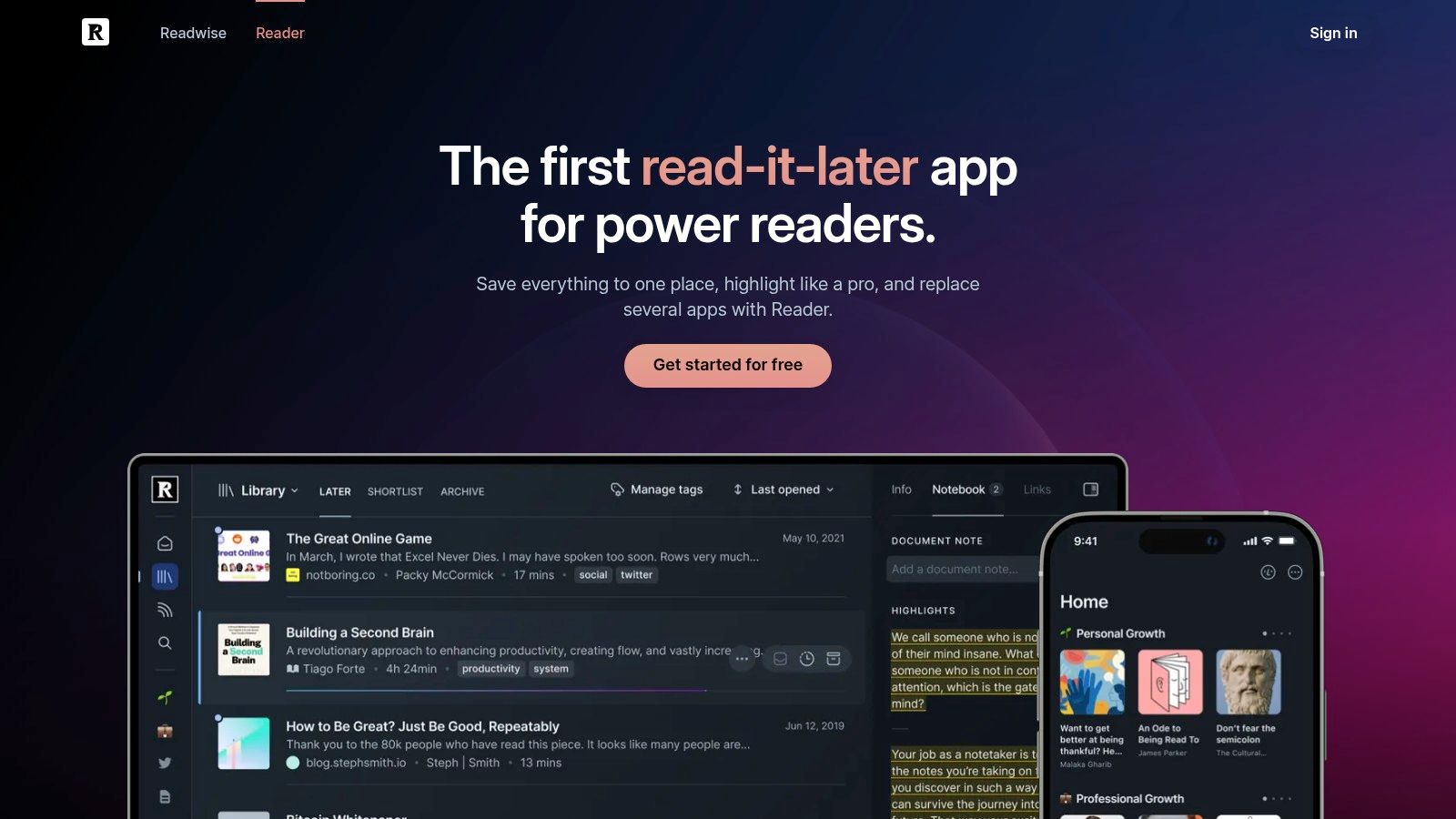
Readwise Reader is what I recommend when someone says, “I don't just save articles. I run my work off them.” It combines read-it-later, RSS, newsletters, PDFs, EPUBs, and YouTube transcripts in one inbox, then adds serious highlighting and export options.
This is not a minimalist app. It's a research tool disguised as a reader. If you already move highlights into Notion, Obsidian, or Roam, Reader is built for that kind of workflow. If you want practical setup ideas for that kind of system, this guide on knowledge management best practices is worth reviewing alongside it.
Where Reader shines
Reader's real strength is depth. It handles mixed formats well, and it treats annotation as a first-class feature rather than an afterthought. That makes it a better fit than Instapaper for long-form research, technical reading, and library building.
Reader makes sense when your reading habit produces notes, highlights, and reusable ideas. It's too much app if all you want is a clean inbox for weekend articles.
The trade-off is complexity. For basic read-later use, Reader can feel heavy. There are more surfaces, more integrations, and more workflow decisions than many people need.
If your current frustration with Instapaper is missing RSS, newsletters, and richer content handling, Reader is one of the strongest upgrades. If your frustration is merely “I want a quieter interface,” it probably isn't.
3. Matter
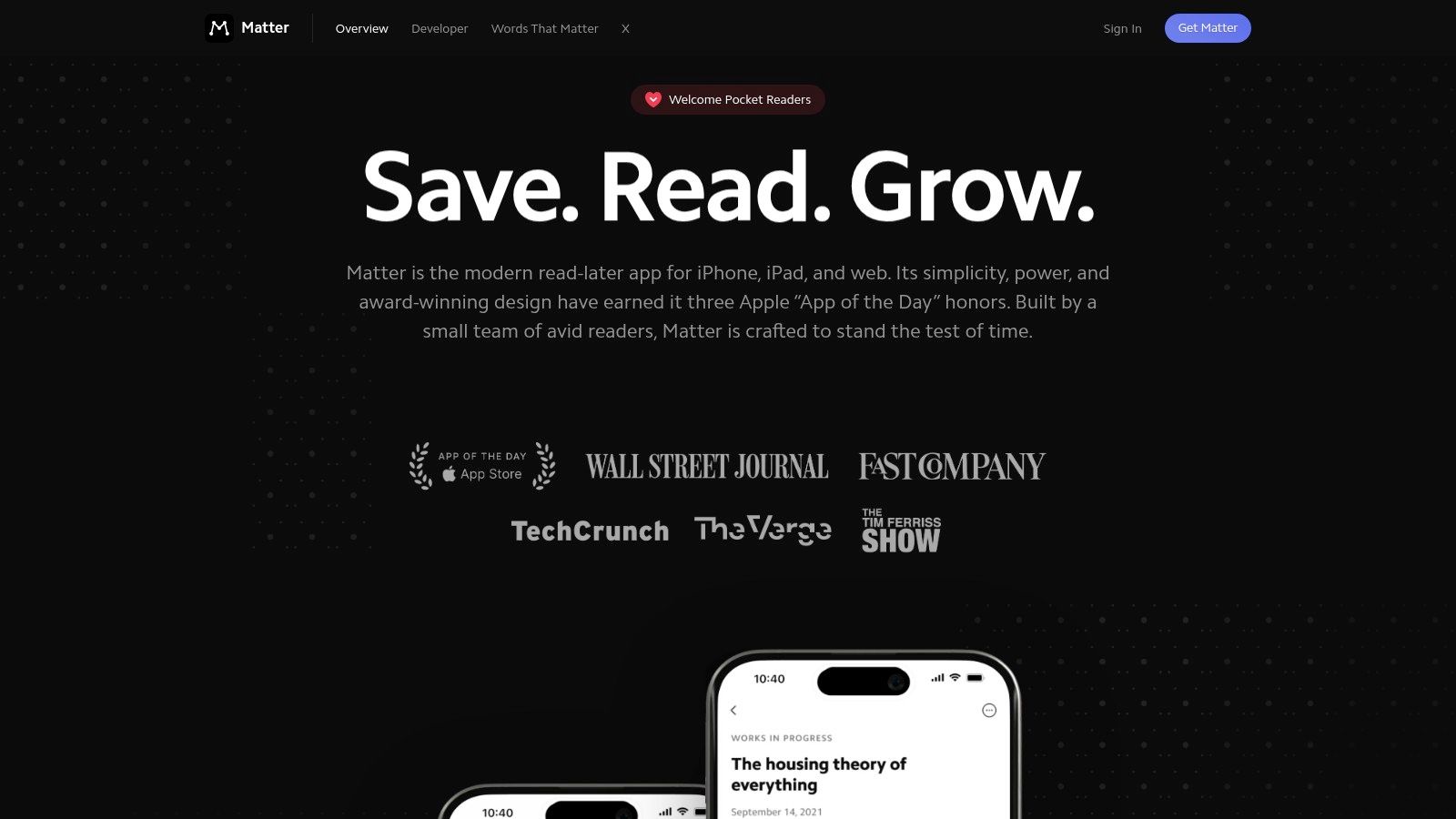
Matter takes a different route. It doesn't try to look like a knowledge base first. It stays close to the read-it-later experience, but modernizes it with newsletters, RSS, text-to-speech, highlights, and Send-to-Kindle support.
For Apple users, Matter is often the easiest transition from an older reading app. The interface is clean, the reading experience is polished, and capture is smooth across iPhone, iPad, and web. If you're comparing it to the broader post-Pocket space, this roundup of Pocket app alternatives helps frame where Matter sits.
Who should pick Matter
Matter works best for people who still want reading to be the center of the workflow. It's especially good if your queue includes a mix of articles, newsletters, and feeds, and you want one app to absorb them all without turning into a full research system.
Its strengths are practical:
- Reading experience: Clean, focused, and easy to settle into.
- Content mix: Handles newsletters and RSS better than classic read-later apps.
- Listening workflow: Text-to-speech makes commute reading much more usable.
The main downside is platform coverage. Matter remains focused on iOS, iPadOS, and web, so Android users should look elsewhere. Some of its most useful capabilities also sit behind Premium, which matters if you're moving away from Instapaper partly for value.
Matter is the app I'd choose when “better reading” matters more than “deeper knowledge retrieval.”
4. Raindrop.io
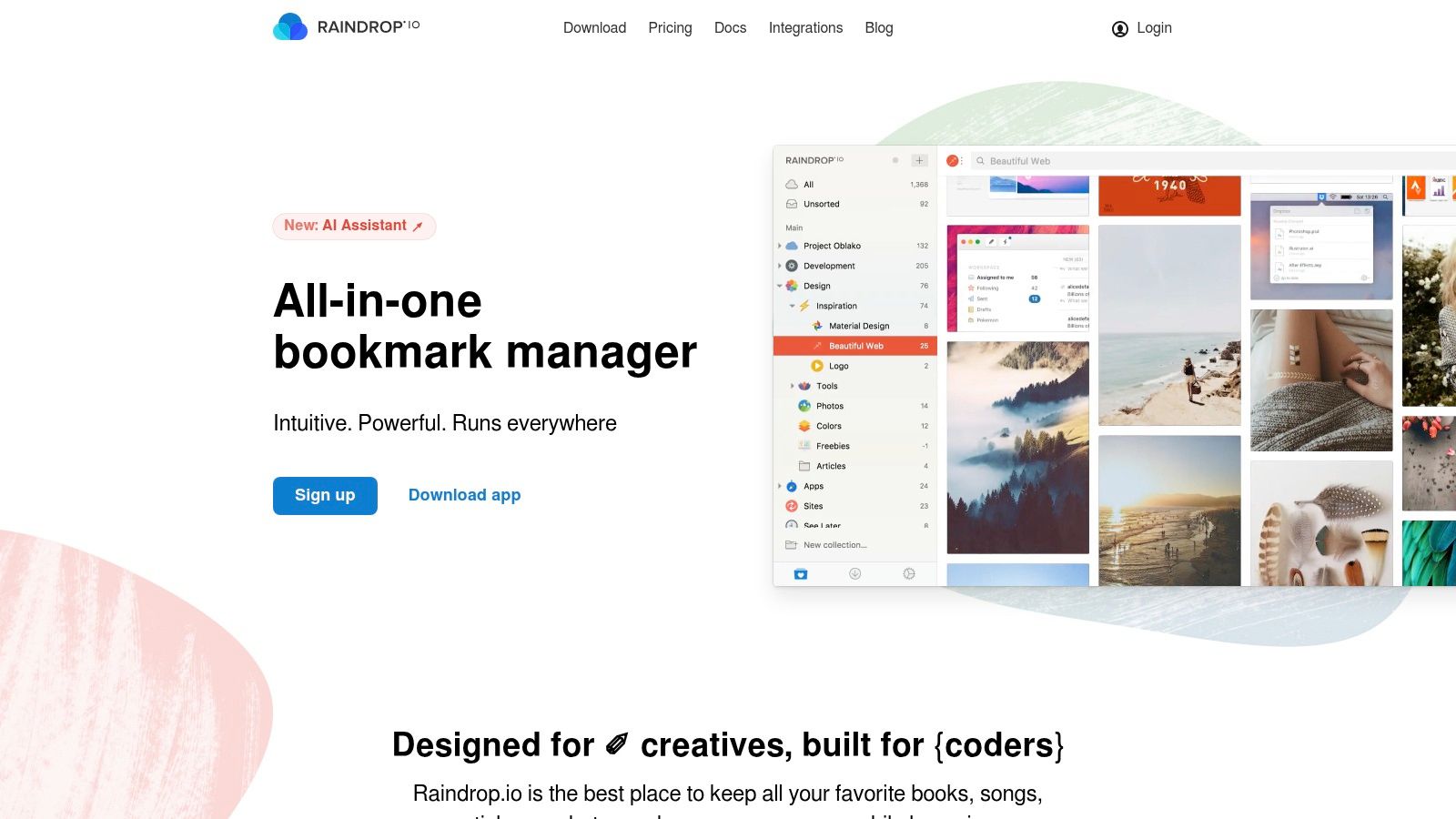
Raindrop.io is a strong Instapaper alternative if your problem isn't only reading. It's organizing. Many people outgrow pure read-it-later tools because they save recipes, product pages, docs, references, videos, and research links alongside articles. Raindrop handles that mixed library better than most.
It's closer to a bookmark manager that also supports read-later use. That distinction matters. If you want a fuller view of that category, this guide to the best bookmark manager is a useful companion.
Better for organization than immersion
Raindrop.io gives you broad platform coverage, strong collection management, extensions, and a free tier that works for a lot of people. Pro costs $28 annually, which is less than half of Instapaper's annual premium price, and wallabag is one of the other options that can also keep costs low or free depending on how you use it.
Where Raindrop wins is flexibility. You can treat it like a visual archive, a research cabinet, or a shared link repository. That makes it more useful than Instapaper if your saved items span many content types and categories.
If you mostly save links to organize later, use Raindrop.io. If you mostly save long reads to sit down with, use a reader-first app.
Its limitation is equally clear. The reading experience isn't the main event. You can read inside it, but the product is built around collecting and organizing more than deep, distraction-free consumption.
5. wallabag
wallabag is the choice for people who learned the hard way that hosted apps can disappear. It's open source, focused on privacy, and available as either a hosted service or a self-hosted setup if you want full control over your archive.
That control is the point. You're not buying the sleekest interface here. You're buying ownership, portability, and independence from the shutdown cycle that keeps hitting this category.
Why wallabag still matters
wallabag does the fundamentals well. Save an article, strip it into a clean reading view, tag it, archive it, search it, and export it later. For a lot of users, that's enough.
Its best use case is long-term retention. If you care more about preserving a reading archive than about AI features or polished discovery, wallabag is one of the most sensible options available.
There are trade-offs:
- Best reason to choose it: You want more control over your data and hosting.
- Best fit: Privacy-focused users and people comfortable with a more utilitarian interface.
- Main drawback: Self-hosting takes setup and maintenance, and the interface isn't as refined as newer tools.
wallabag isn't flashy. That's also why many people trust it.
6. GoodLinks
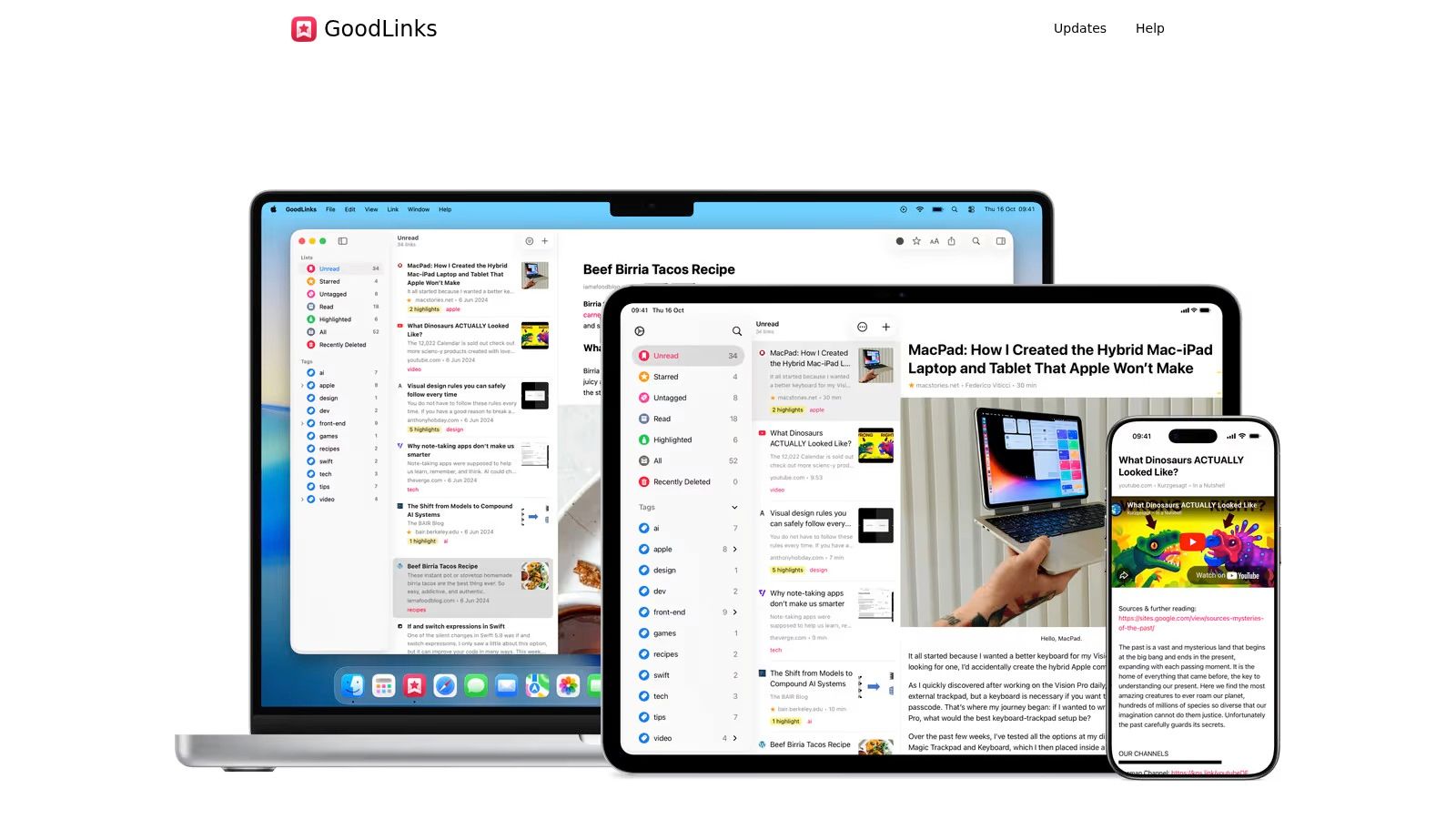
GoodLinks is the cleanest Instapaper alternative for Apple users who want simplicity and hate subscriptions. It's fast, native, offline-friendly, and built around capture through the Share sheet and Shortcuts.
The pricing is one of its biggest advantages. GoodLinks costs $9.99 as a one-time purchase (GoodLinks press kit), which is $50 less than one year of Instapaper Premium at $59.99. That value gap is hard to ignore if all you want is reliable reading and lightweight organization.
Best for minimalists on Apple devices
GoodLinks works because it stays narrow. It doesn't pretend to be an AI research platform. It gives you a strong native reader, tagging, smart search, highlights, and dependable offline access.
That focus creates a better experience for some people, not a worse one. If your ideal app disappears into the background and lets you save and read, GoodLinks nails that brief.
The limits are obvious:
- Platform limit: It's Apple-only.
- Feature limit: It has fewer advanced capabilities than tools like Reader or Lexi.
- Best match: People who want a one-time purchase and don't need newsletters, RSS, or AI enrichment.
For an Apple-only setup, GoodLinks is one of the easiest recommendations on this list.
7. Anybox
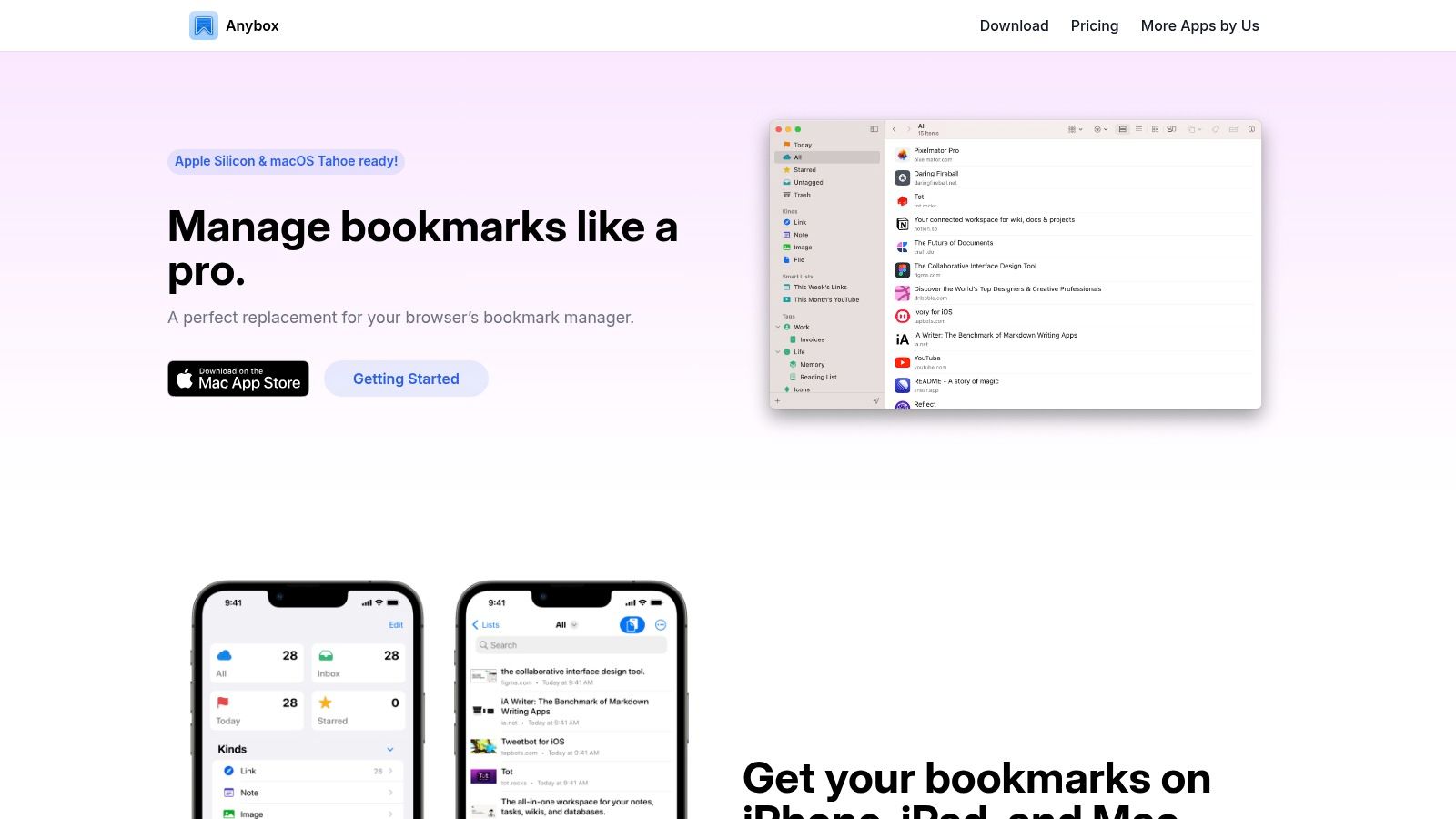
Anybox is for people who save constantly and care about speed more than decoration. It feels like a native Apple cabinet for links, notes, and read-later items, with strong tagging, fast search, and keyboard-friendly workflows.
This isn't a pure Instapaper substitute. It sits closer to the bookmark-manager side of the fence. But that's exactly why some users prefer it. You can capture from browsers and apps quickly, then retrieve later without fighting a bloated interface.
Fast capture, sharp retrieval
Anybox is strong on Mac and iPhone because it leans into Apple-native behavior. Shortcuts, AppleScript, iCloud sync, Quick Find, and keyboard actions all make it feel responsive in day-to-day use.
That makes it a good fit for users who save many small things throughout the day rather than sitting down for long reading sessions. The app supports read-later behavior, but the workflow emphasis is collection and retrieval.
Its trade-offs are simple. It's Apple-only, and pricing details vary by App Store region because purchase options are mainly in-app. If you need broad cross-platform support, this isn't your app. If you live on Apple devices and want a fast link cabinet, it's excellent.
8. Diigo
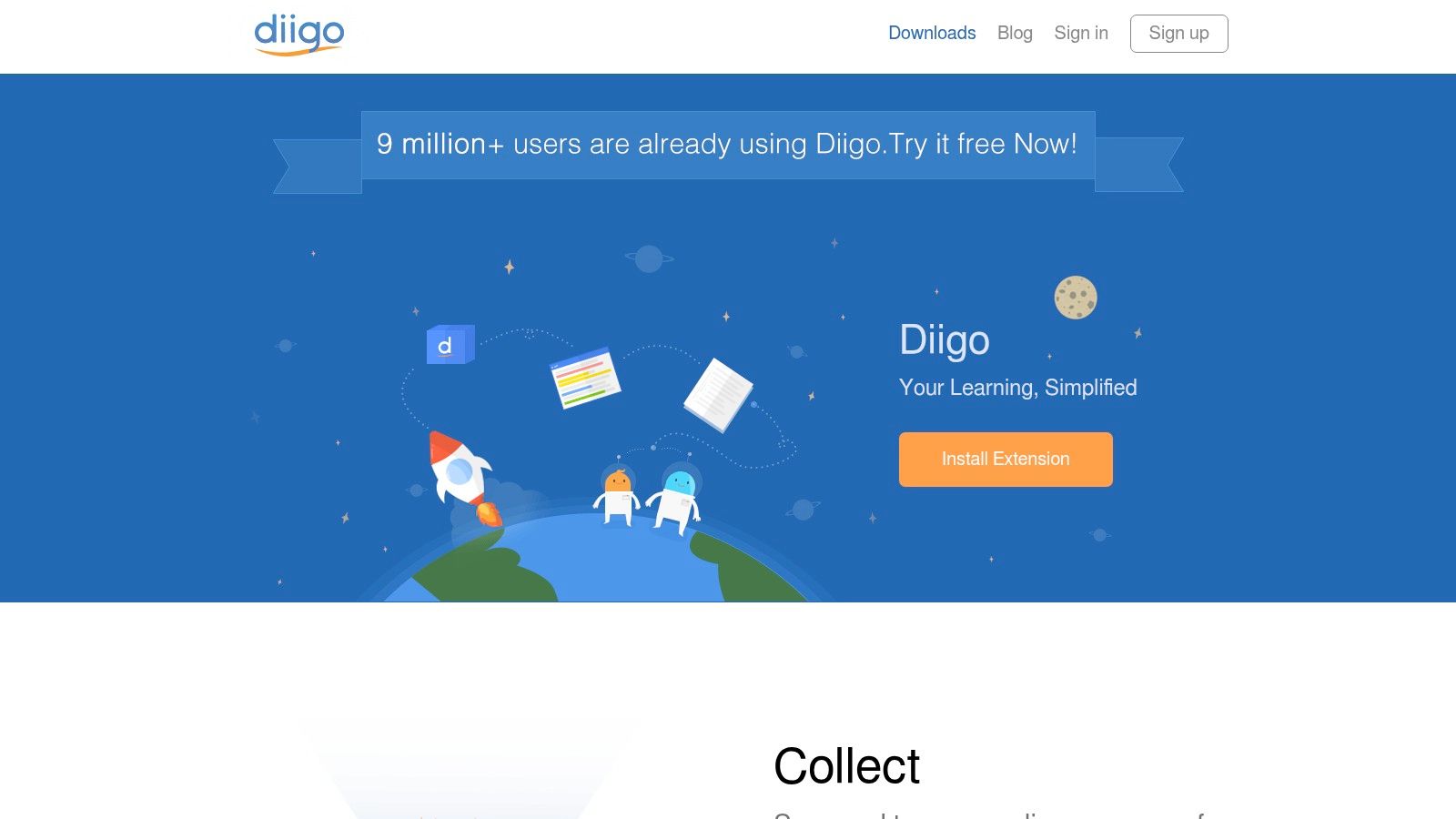
Diigo is one of the veterans in this space, and it still earns a place for one reason. Annotation. If your workflow depends on highlighting webpages, marking up PDFs, adding sticky notes, taking screenshots, and sharing findings with a group, Diigo remains useful.
It feels older than newer apps. That's true. But old doesn't always mean obsolete.
The annotation-heavy option
Diigo is strongest when reading and note-taking happen together. Researchers, educators, and teams that comment directly on source material tend to get more value from it than casual readers do.
Its core strengths include web and PDF annotation, cached pages, screenshot capture, and collaboration features. That makes it more active than a passive read-it-later queue. You're not just storing links. You're working on them.
Some apps are great at helping you save. Diigo is better when you need to mark, discuss, and revisit source material.
The downside is the interface. It feels dated, and compared with newer tools, the product can seem less refined. But if annotation is the thing you care about most, Diigo still does work many sleeker apps only partially cover.
9. Reeder
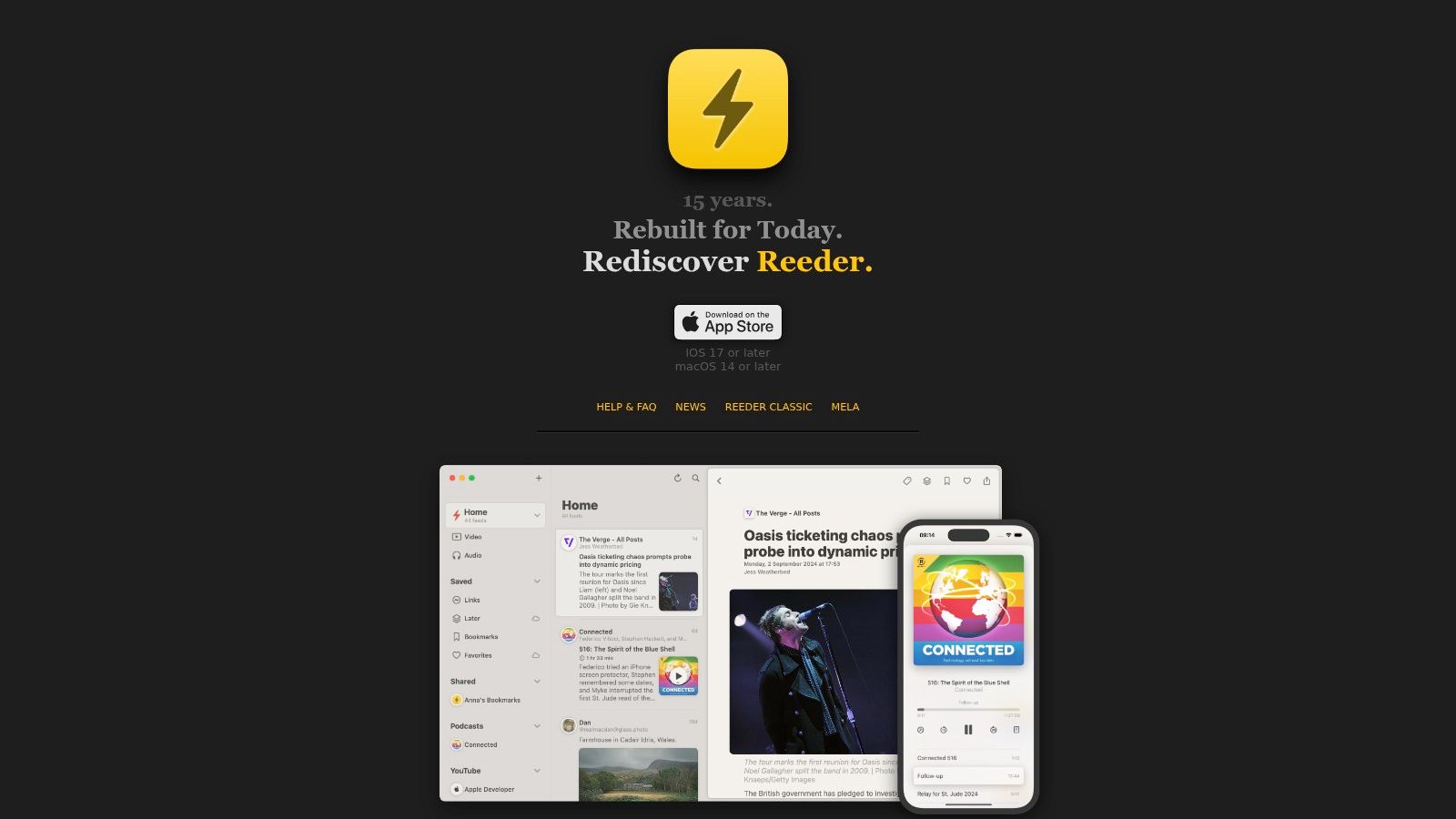
Reeder is not the obvious pick for an Instapaper alternative. It becomes the right pick when your read-later habit starts upstream in RSS.
That distinction matters. If most of what you save comes from feeds you already follow, Reeder can reduce the handoff between discovery and reading. Instead of finding things in one app and saving them to another, you can do more of it in one place.
Best when RSS is your starting point
Reeder offers a built-in Later queue, bookmarks, favorites, theming, and a polished reading interface across Apple platforms. It's a focused app with strong performance and very little friction.
That makes it a smart choice for people who don't need heavy clipping, advanced annotation, or a separate knowledge layer. You get a good reading experience and a lightweight save-for-later path without turning your setup into a system.
Its limit is also its identity. Reeder is RSS-centric. If your content comes from all over the web, from files, newsletters, or social media, other tools on this list handle that spread better.
10. Inoreader
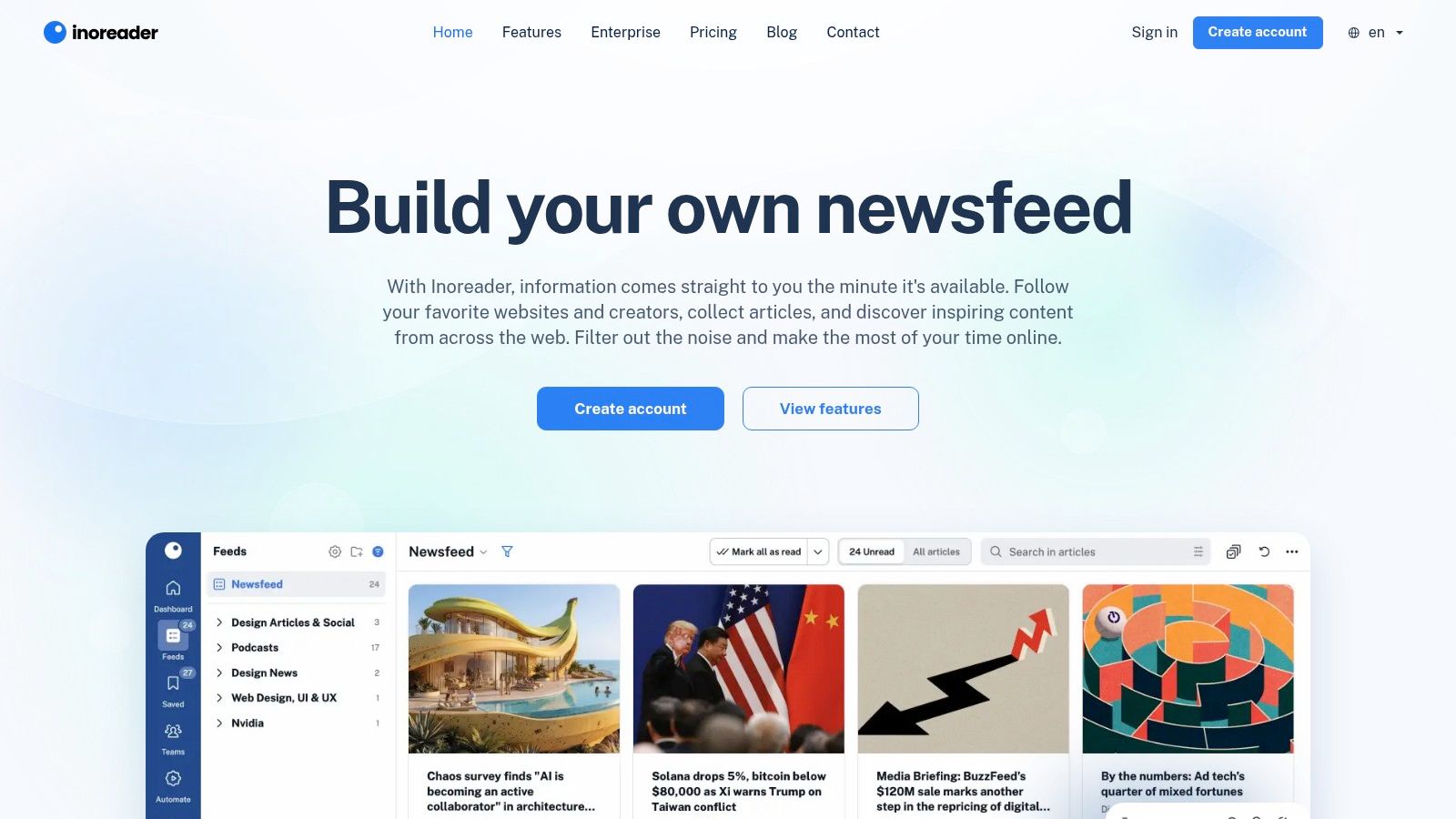
Inoreader is what I'd choose if I were drowning in inputs rather than saved reads. It combines RSS, newsletters, web monitoring, filters, rules, and a read-later list into one heavier but more capable system.
This is not a simple replacement for Instapaper. It's closer to an information command center. For some users, that's overkill. For others, it's exactly what replaces multiple tools at once.
Better for monitoring than casual reading
Inoreader is strongest when you follow many sources and want automation. Rules and filters help sort incoming material before it becomes clutter, and the integrated read-later flow helps you separate “worth reviewing” from “worth saving.”
The practical upside is consolidation. If you already use feeds, newsletters, and monitoring workflows, Inoreader can centralize discovery and triage better than classic read-it-later apps.
The trade-off is learning curve. It asks more from you upfront, and some advanced capabilities sit behind paid plans. But if your real problem is not reading articles later, but managing too many incoming sources now, Inoreader solves the right problem.
Top 10 Instapaper Alternatives: Feature & Pricing Comparison
This table compares documented workflows and pricing rather than assigning star scores. Product fit is contextual; the notes below are based on official product, help, and pricing pages reviewed on July 9, 2026.
| Product | Core capture & formats | Enrichment & recall | Workflow fit | Pricing & value | Best for |
|---|---|---|---|---|---|
| Lexi | Web drag/paste, iOS share sheet, clipboard; articles, PDFs, images, notes, YouTube (Mac & Chrome coming) | AI summaries, auto-tags, image OCR, YouTube transcripts, chat with item-cited answers, Deep Research (web on paid) | Mixed-format capture and library-wide recall | Free (200 credits/mo, 50 items), Personal $6.99/mo ($59.99/yr) 1,500 credits, Pro $19.99/mo ($199.99/yr) 5,000 credits; top-ups | Students, researchers, and writers who need automatic enrichment and traceable chat |
| Readwise Reader | Articles, PDFs/EPUB, newsletters, RSS, YouTube transcripts | Robust parsing, highlights, export integrations (Notion/Obsidian), recall-focused tools | Research-first reading with active annotation | Subscription after trial; strong export value | Power readers and researchers who highlight and export |
| Matter | Web, iOS, and iPad; RSS, newsletters, Send-to-Kindle | Highlights, notes, TTS, offline reading | Polished reading and listening | Core free; Premium unlocks advanced features | Apple readers who prioritize the reading experience |
| Raindrop.io | Bookmarks, videos, files; browser extensions across platforms | AI tag suggestions, collections, full-text search and web archive (Pro), Stella AI assistant | Cross-platform bookmark organization | Generous Free; Pro adds archive, search, collaboration, and AI features | General savers and teams managing broad link collections |
| wallabag | Web articles parsed to clean view; self-host or hosted | Tagging, archiving, full-text search, exportable data | Privacy-focused article archiving | Open source; low-cost hosted plans or self-hosting | People who prioritize data portability and ownership |
| GoodLinks | iOS, iPadOS, and macOS native; iCloud sync, share sheet, Shortcuts | Offline reading, tagging, highlights, smart search | Lightweight Apple-native reading | $9.99 one-time purchase | Apple minimalists who want native offline reading without a subscription |
| Anybox | macOS/iOS native bookmark cabinet, quick capture, iCloud | Fast search, tagging, Quick Find, AppleScript/Shortcuts | Keyboard-first link management | Lifetime in-app purchase or subscription options | Mac power users who value automation and fast capture |
| Diigo | Web and PDF capture, cached pages, screenshots, extensions | Web/PDF highlights, sticky notes, annotations, groups | Annotation-heavy research and teaching | Free tier with limits; paid plans unlock more features | Educators and teams who work directly on source material |
| Reeder | RSS-focused on iOS/macOS; iCloud-synced Later list | RSS reading, Later queue, bookmarks, share-sheet capture | Feed-first reading | One-time purchase on Apple platforms | RSS-first readers who want a focused Apple app |
| Inoreader | RSS, newsletters, web feeds, Read-Later | Rules and filters, AI summaries and TTS (paid), annotations | High-volume source monitoring | Free with Pro tiers for AI and automation | Power RSS users who need automation and monitoring |
From Saving to Knowing: How to Choose
After Pocket exited, this category stopped being just about clean reading views and offline access. The better tools now handle mixed-format capture, searchable archives, and some level of AI assistance. The question is no longer which app saves links best — it is which app helps turn saved material into something you can find and reuse.
Instapaper still has a place. It remains a solid, stable option for distraction-free article reading, and stability counts for a lot in a category that has seen major shakeups. But its strengths are narrow. If your workflow now includes newsletters, PDFs, video, screenshots, or research notes, a plain reading queue starts to feel limiting fast — and at $59.99 a year, you are paying premium prices for a feature set that has not kept up.
The strongest options break down by workflow:
- For focused reading: Matter and GoodLinks
- For research-heavy reading: Readwise Reader
- For broad link organization: Raindrop.io and Anybox
- For privacy and ownership: wallabag
- For feed-first setups: Reeder and Inoreader
- For mixed-format capture and recall: Lexi
Lexi stands apart for a specific reason: it is built for the newer job of saving across formats, structuring each item automatically, and helping you get information back out later. If your inputs now include articles, PDFs, images, YouTube videos, and scattered notes, Lexi gives you one private place to save them all, adds summaries, OCR, transcripts, and tags without manual filing, and lets you search — or ask questions with cited answers — across everything you have saved. For a direct head-to-head, read Lexi vs Instapaper. For a wider view of the post-Pocket field, see our guide to the best read-it-later apps in 2026.
Frequently Asked Questions
What is the best Instapaper alternative in 2026?
It depends on the job. For a calmer or more polished reading experience, Matter and GoodLinks are the closest swaps. For heavy highlighting and note export, Readwise Reader leads. If you have outgrown plain article reading and now save PDFs, images, YouTube videos, and notes that you need to search and reuse, Lexi is built for that mixed-format recall. All ten options are compared in the table above.
Why are people leaving Instapaper?
Two reasons. First, workflow fit: Instapaper's summaries are requested one article at a time, while newer tools can enrich saves automatically or answer questions across an entire library. Instapaper accepts newsletters by email but does not provide a built-in RSS inbox. Second, format range: Instapaper is primarily an article reader, so PDFs, images, videos, and notes do not fit as naturally, and PDFs require Premium. Readers whose backlog has outgrown clean web articles tend to move to tools that capture more and help retrieve it later.
What is the best free Instapaper alternative?
For pure article reading, Instapaper's own free tier is hard to beat: unlimited saves, offline reading, folders, and tags. If you want more than reading, Lexi's free tier takes a different angle — 200 AI credits a month and up to 50 saved items, with AI summaries, auto-tags, image OCR, and library chat included from the start. wallabag is also free if you self-host.
Which Instapaper alternative handles PDFs and videos, not just articles?
Readwise Reader and Lexi are the two strongest for mixed formats. Reader covers articles, PDFs, EPUBs, newsletters, and YouTube transcripts with deep highlighting. Lexi covers web pages, PDFs, images and screenshots, notes, and YouTube videos, then auto-adds summaries, OCR, and transcripts so everything is searchable in one library. Note Lexi's PDF limits: 10 MB and 200 pages per file.
Is my saved data private in these apps?
It varies by tool, so check each app's policy. Lexi keeps libraries private by default with no ad-targeting model, and publicly lists every third-party processor it relies on — including LlamaParse and Gemini — on its subprocessors page. wallabag goes furthest on control by letting you self-host your entire archive.